What is Kubernetes?
-
Published on 17 Mar 2026
-
Last updated 10 Apr 2026
-
Reading Time 5 minutes
Kubernetes is a modern platform that enables applications to run smoothly in cloud environments. Kubernetes users can package their applications into containers and benefit from advantages such as automatic scaling, high availability, and easy management. By using Kubernetes on DT Cloud, Türkiye’s first self-service cloud management platform, you can optimize your infrastructure costs and deploy new features to production within minutes.
This platform offers flexibility not only for large-scale enterprise environments but also for small teams and startups. By choosing Kubernetes, you can seamlessly move your applications across different cloud providers and, if you wish, maintain the same management experience in your on-premise data center.
-
Kubernetes brings containerized applications together to form a cluster and manages the lifecycle of applications within this cluster. You can monitor and control containers running across multiple servers through a single control plane. This improves both the performance and reliability of your applications.
Kubernetes follows a declare-your-desired-state approach; in other words, you only define the state you want, and Kubernetes automatically handles the rest. For example, if you specify that you want 3 replicas of a service running, the system automatically creates these replicas and redistributes them when necessary.
Since Kubernetes is open source, it is continuously updated and has a large ecosystem. This means that companies can easily find plugins and integrations that suit their needs.
-
Core Components of Kubernetes
The core components of Kubernetes are divided into two main groups: the master (control plane) and the node (worker node). From the master, you manage components such as the API Server, Scheduler, and Controller Manager to control the behavior of your cluster. These components receive your requests, plan them, and distribute applications to the appropriate nodes.
Nodes are the servers that host the actual workloads. Each node runs kubelet and kube-proxy; kubelet starts and monitors pods, while kube-proxy manages network traffic. By ensuring these components run smoothly, you enable your applications to provide uninterrupted service.
Other important components include etcd (a distributed data store), ConfigMap & Secret (configuration and sensitive data management), and Ingress (HTTP/HTTPS traffic routing). These components help ensure that your applications are secure, scalable, and manageable.
-
How does Kubernetes work?
Kubernetes starts with cluster setup as the first step. You create master and worker nodes using tools such as kubeadm, kops, or minikube. Once the installation is complete, the API Server receives all requests and records them in etcd.
Then, the Scheduler places new pods onto suitable nodes by considering criteria such as CPU, memory, and labels. At this stage, you define how your application will be deployed by specifying pod definitions using YAML files.
The Controller Manager reconciles the desired state with the actual state. For example, if you specify that a deployment should run 5 pods and the number drops to 4, it automatically launches a new pod. This allows the system to self-heal and automatically recover from failures.
-
What are the benefits of Kubernetes?
Thanks to its auto-scaling feature, Kubernetes responds quickly to increases in demand. In other words, you can improve performance without manually intervening in your application. This helps prevent service interruptions, especially during peak periods.
The self-healing mechanism automatically restarts crashed pods and, when a node fails, reschedules pods to other nodes. This allows you to minimize outages caused by infrastructure issues.
In addition, Kubernetes introduces new features smoothly through version management (rolling updates and rollbacks), ensuring zero-downtime updates or the ability to quickly revert to a previous version when needed.
-
Kubernetes Use Cases
In financial sector scenarios, Kubernetes is preferred for real-time transactions and low-latency microservice architectures. You also benefit from high reliability and rapid scaling advantages. In e-commerce platforms, during high-traffic periods (such as November sales campaigns), auto-scaling helps keep costs under control.
In the healthcare sector, privacy and isolation are ensured by HIPAA-compliant data processing and containerization of clinical applications. This provides a regulatory-compliant and easily manageable infrastructure.
In IoT/Edge scenarios, lightweight Kubernetes distributions (such as k3s and MicroK8s) enable data collection and processing on edge devices. This results in centralized management with lower maintenance costs.
-
What are the benefits of Kubernetes for your company?
Kubernetes provides a faster time to market. You can deploy new features to production within minutes, gaining a competitive advantage.
From a cost-control perspective, it helps reduce cloud spending by shutting down unnecessary infrastructure resources. This allows you to optimize your budget by using only the resources you actually need.
Another advantage of Kubernetes is that it increases developer productivity and enables faster innovation. With Kubernetes, repetitive environment setups are automated, allowing developers to focus solely on writing code.
-
Frequently Asked Questions
What is Kubernetes?
Kubernetes is a platform that automates, scales, and manages containerized applications. With this platform, you can run your applications more securely and efficiently.Why is Kubernetes called K8s?
The abbreviation “K8s” is formed by replacing the 8 letters between “K” and “s” in “Kubernetes” (u, b, e, r, n, e, t, e) with the number 8. This makes the name shorter and more practical to use.Is Kubernetes suitable for all types of applications?
Kubernetes is ideal for microservices, stateless, and container-native applications. However, you can also run monolithic or long-lived VM-based applications, though this may require additional configuration and management effort.What is a Kubernetes cluster?
A cluster is an environment formed by one or more master nodes and multiple worker nodes, hosting all Kubernetes control and runtime components. You manage all your applications through this cluster.Can Kubernetes be run on-premise?
Yes. You can set up a fully controlled Kubernetes cluster in an on-premise data center, private cloud, or hybrid environment. Lightweight distributions such as K3s and MicroK8s are also suitable for small-scale internal environments.Why is Kubernetes a critical component of enterprise cloud strategy?
Thanks to its portability, automation, standardization, and security features, it plays a central role in enterprise cloud strategy. By using these advantages, you can reduce operational costs and improve compliance.What is a Kubernetes pod?
A pod is the smallest deployment unit in which one or more containers share the same network and storage. Containers inside a pod run co-located on the same node and can communicate via localhost.What is a Kubernetes deployment?
A deployment is a control object that ensures an application runs in the desired number of pods, providing features such as version management, automatic updates, and rollback. You apply this definition using the commandkubectl apply -f deployment.yaml.
Related Articles
-
 Jan 09,2026
What is Fortinet?
Fortinet is a technology company that provides high-performance network security solutions. It is especially known for its co...
Learn More -
 Dec 25,2025
Free Cloud Storage Apps
With the acceleration of digitalization and the remote working model brought into our lives by the pandemic, the need to acc...
Learn More -
 Jan 07,2026
What is Kubernetes Ingress?
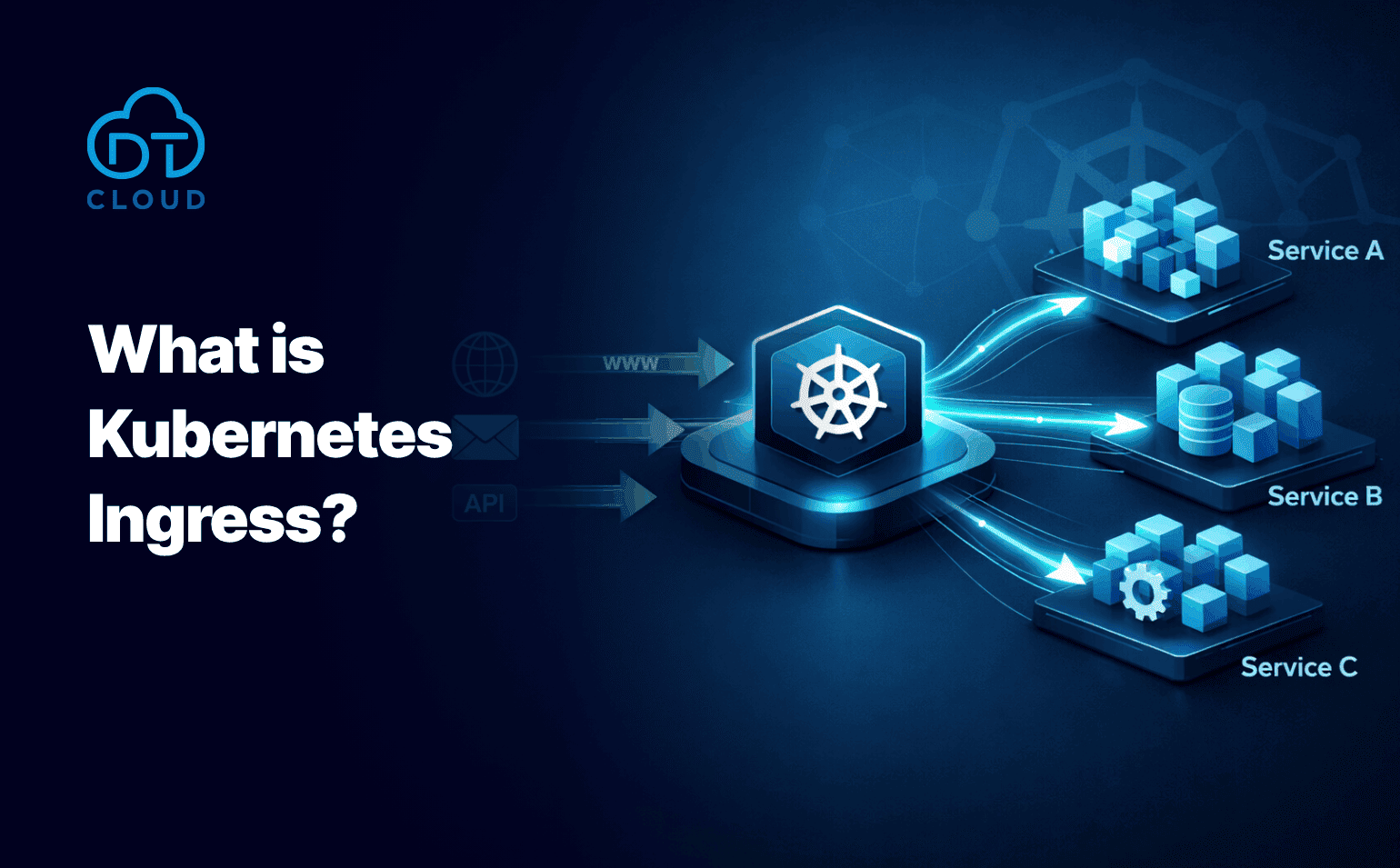
When you want to route traffic from outside your Kubernetes cluster to the applications inside it, Ingress comes into play. Ingress is a Kubernetes resource that allows us to manage HTTP and HTTPS traffic. To put it more simply, it acts like a traffic controller that directs...
Learn More

-
Subscribe to our newsletter to be informed about innovations in the cloud world.
